How to Set Up Brostrend WiFi Extender
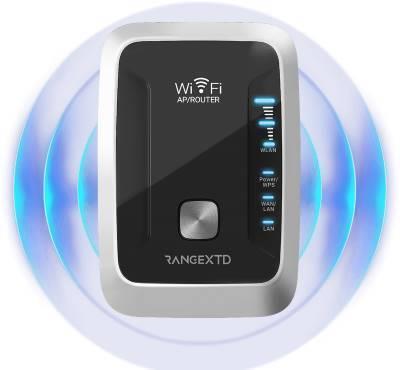
Setting up a Brostrend WiFi extender is a quick and simple process. First, plug the extender into a power outlet near your router and wait for the power LED to turn solid blue. Then, connect to the extender’s WiFi network, named BrosTrend_EXT, from your device. Open a web browser and type re.brostrend.com or 192.168.0.254 in the address bar to access the setup page.
-
Follow
-
0
-
Embed
-
Share
-
Upload